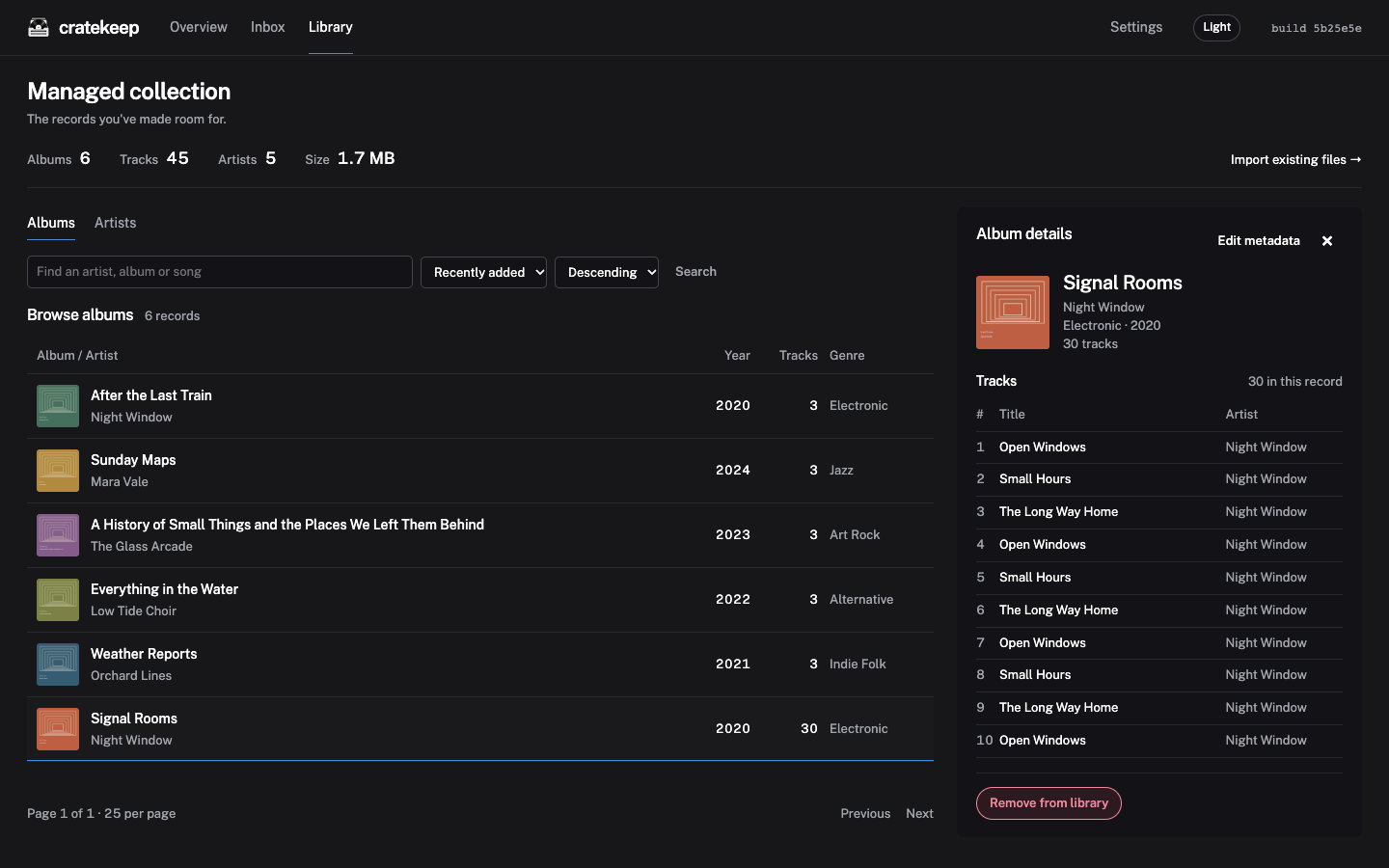
Browse albums and tracks
Browse your managed collection and edit metadata from the album details.
 cratekeep
Cratekeep brings Beets and MusicBrainz into a web interface, so you can check releases, tags and artwork before importing music.
Run it on your own server to organise new downloads or manage the collection you already have.
Install Cratekeep
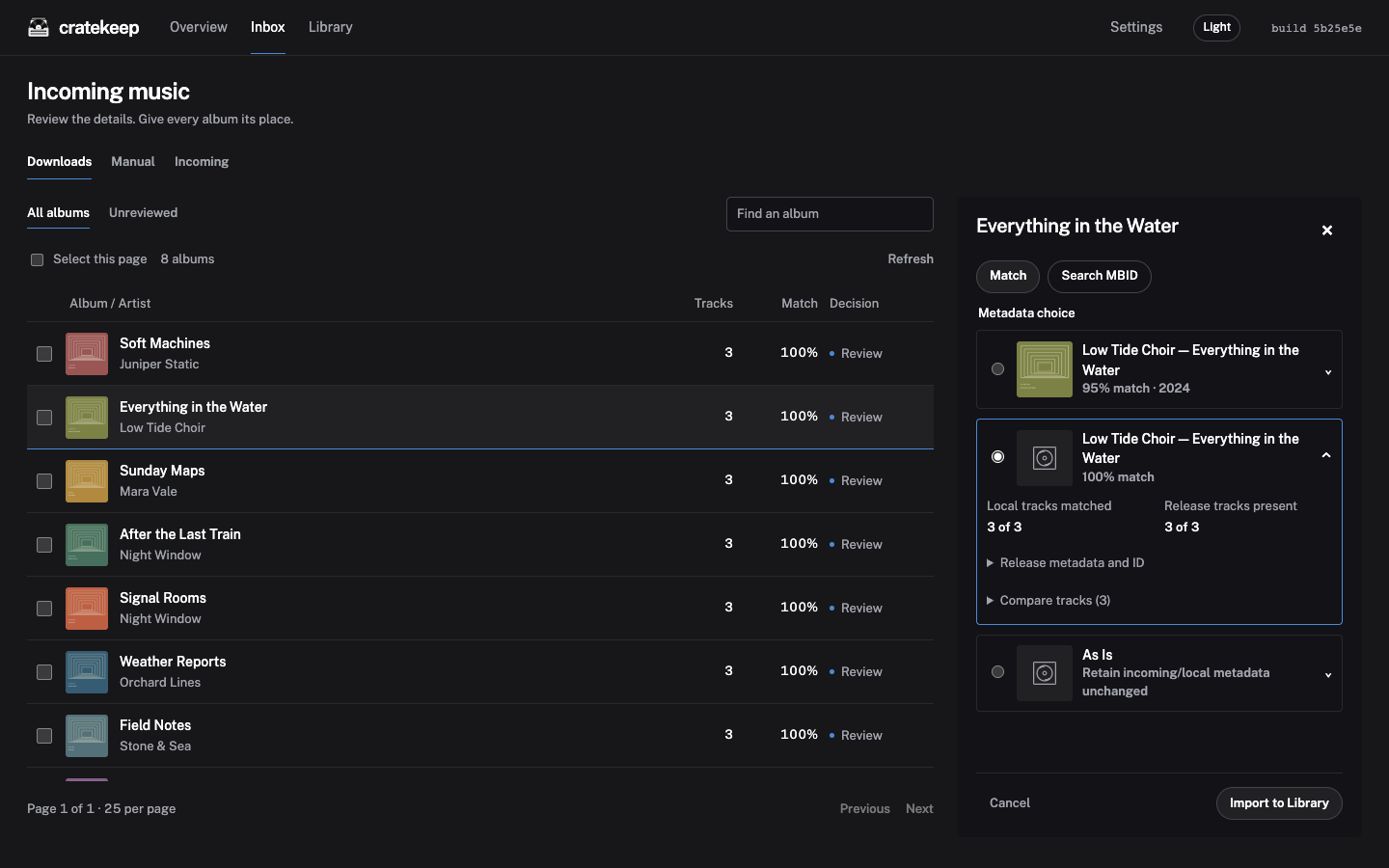
Compare MusicBrainz releases with your local files, inspect the proposed metadata, and choose which changes to approve.
An illustrative comparison using the app’s demo collection.
Import albums from your download folders or bring an existing library into Cratekeep. Both workflows let you review the metadata first.
Browse your managed collection and edit metadata from the album details.
Choose a release or keep your incoming tags As Is. Artwork fetching is opt-in.
Bring your existing library into Cratekeep to review and update its metadata while the files stay in their current folders.
Add named inbox folders for different sources, then choose which folders to scan for new music.
Run Cratekeep in Docker on your own hardware. The installation guide covers Compose, plain Docker and Unraid.
Mount your inbox, music library and configuration folders in Docker, then choose those paths during setup. You can add more inbox folders later in Settings.
Once connected, scan a few albums and compare the results before importing them.
Start with copies of a few albums. Cratekeep can modify your music and has no built-in authentication. Keep it on a trusted network or behind an authenticating reverse proxy.
Read the guide to permissions, backups and recoveryCratekeep prepares and manages your library. Listen with your preferred player. If you use Navidrome, Cratekeep can request a library rescan.
Approved Inbox imports move audio into your configured library. Importing an existing library manages those files in place. Review your selections and back up your music first.
Yes. Scan selected folders, import albums that meet the readiness checks, and review the remaining exceptions individually.
Ask in Discord or report a bug and follow its progress in GitHub Issues. Check logs for private information before sharing.